Use cases/ Ship a changelog

Keep users in the loop with in-app updates and email digests they'll actually read.

Overview

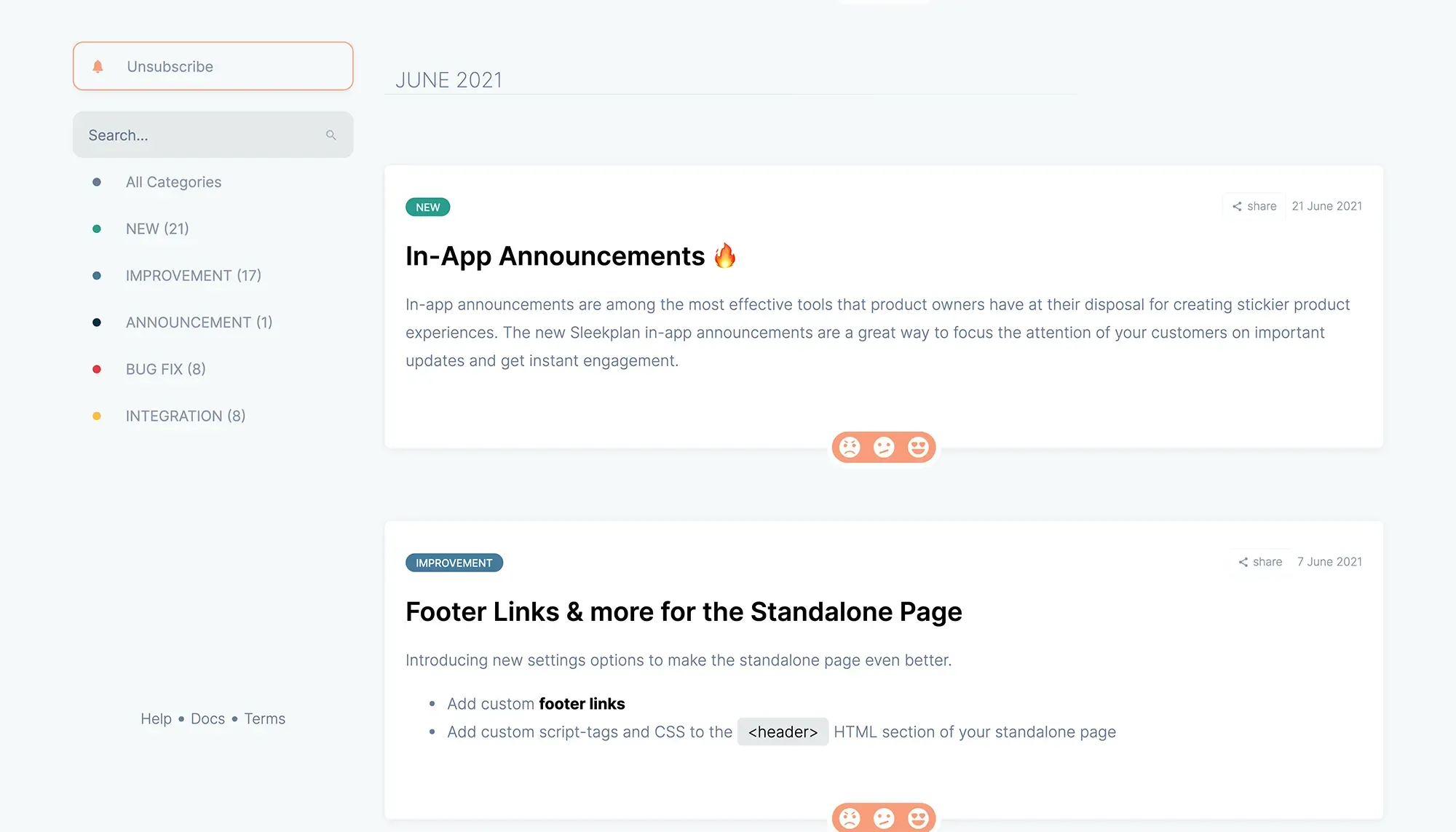
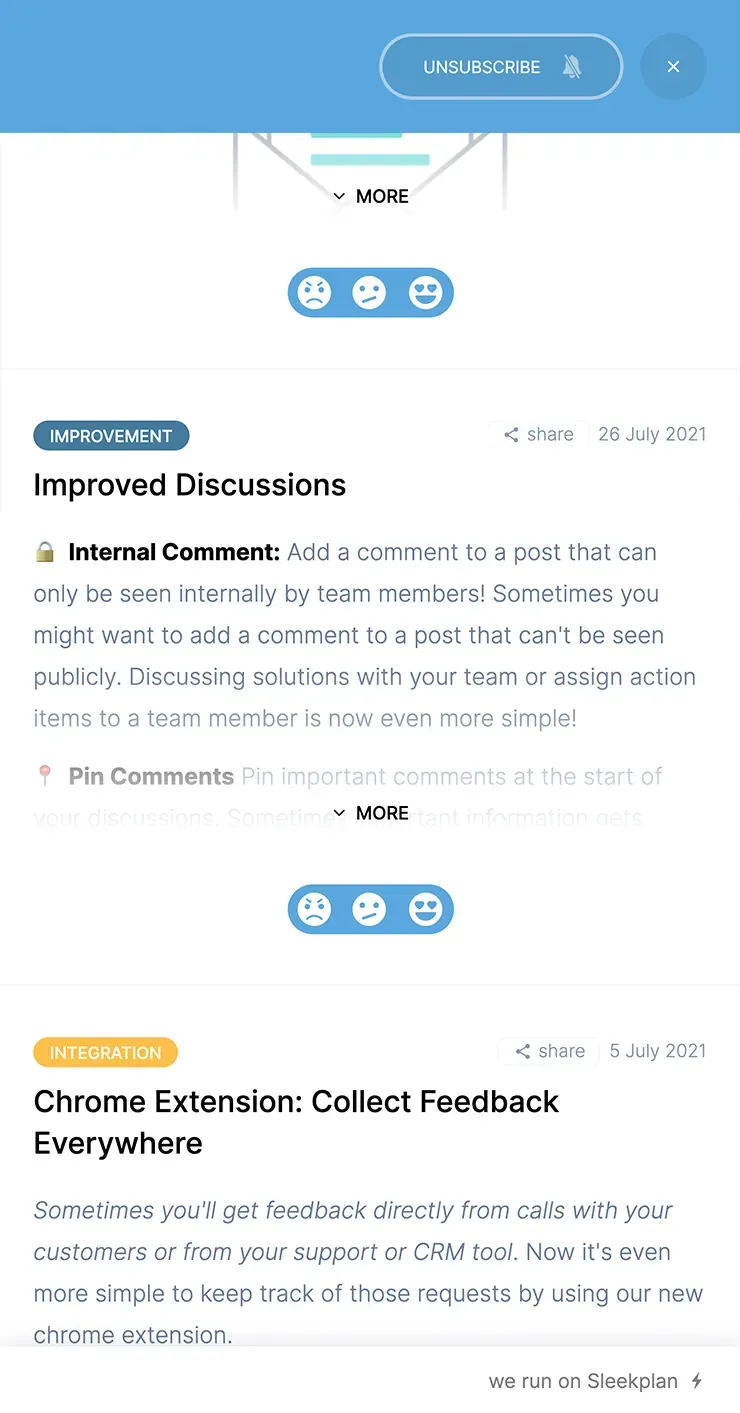
Sleekplan's changelog turns every shipped release into an event your users notice, without you bothering them. In-app widget, email digest, or both: every changelog post shows up exactly where attention already lives.

Schedule posts ahead of release. Make a changelog public or gate it to logged-in users. Customise the appearance to your brand so the announcement looks like part of the product, not a third-party banner.

How it works

Write a post in the Sleekplan editor, set a release time, pick a category (Feature / Improvement / Fix), and we handle the rest. The widget shows an unread badge until each user opens it. Subscribers get an email digest. Inline CTAs let you point users straight to the new feature.

Changelog posts collect their own feedback. Every release becomes a satisfaction signal you can act on next sprint.

How it flows
  1. Schedule the announcement

    Compose the post, pick a release time, and Sleekplan ships it the moment your code does. No more rushed announcements 20 minutes after launch.

  2. Match your brand

    Custom domain, custom colours, custom terms. The changelog stops looking like a bolted-on third-party widget and starts looking like part of your product.

  3. Notify the right people

    In-app widget for active users. Email digest for everyone else. Both for the most important releases. Sleekplan tracks who's seen what.

  4. Collect feedback on what shipped

    Every changelog post is a feedback target. Users reply with reactions or comments, so you learn whether the release landed before the next sprint planning.

Built on
Learn more

What is a changelog tool, and why use one?

A changelog tool is a system for telling your users what changed: every release, every fix, every announcement. The job sounds simple, but doing it well means scheduled posts, segmented audiences, branded styling, and a way to collect feedback on what you shipped. A spreadsheet or a Notion page falls over the moment you actually need any of that.

Required features for a serious changelog tool

  • Scheduled posts — write Tuesday, ship Thursday morning, announce Thursday afternoon. No human bottleneck.
  • Email digests — your users don't live in the widget. Bring the changelog to their inbox on a cadence they pick.
  • Searchable feed — release notes accumulate fast. A search box and category filters turn the changelog into a self-serve reference.
  • Public or private — internal teams need a changelog too. Same tool, different access.
  • Brand-matched appearance — custom domain, colours, copy. The changelog is a touchpoint with your product, not someone else's.
  • Feedback collection — every release is a hypothesis. Capture whether users liked what you shipped.

Why Sleekplan

Sleekplan ships all six. Plus the changelog is wired into the same workspace as your feedback board and public roadmap, so a request you accepted six months ago auto-publishes to the changelog the moment its status flips to Released. The whole feedback loop closes itself. Start free.

Get started in 4 minutes

Your roadmap,
on autopilot.

Free for 30 days. No card, no sales call. Cancel anytime.